Spring 2024
Emergency Department Wait Times
-
 Next.js
 -
 React
React -
 Tailwind
 -
 Keystone CMS
tl;dr
Emergency Department Wait Times helps patients find the right urgent care quickly. I rebuilt the 2012 site with Next.js and Keystone CMS, cutting load times by 70% and letting administrators update content without a developer.

Background
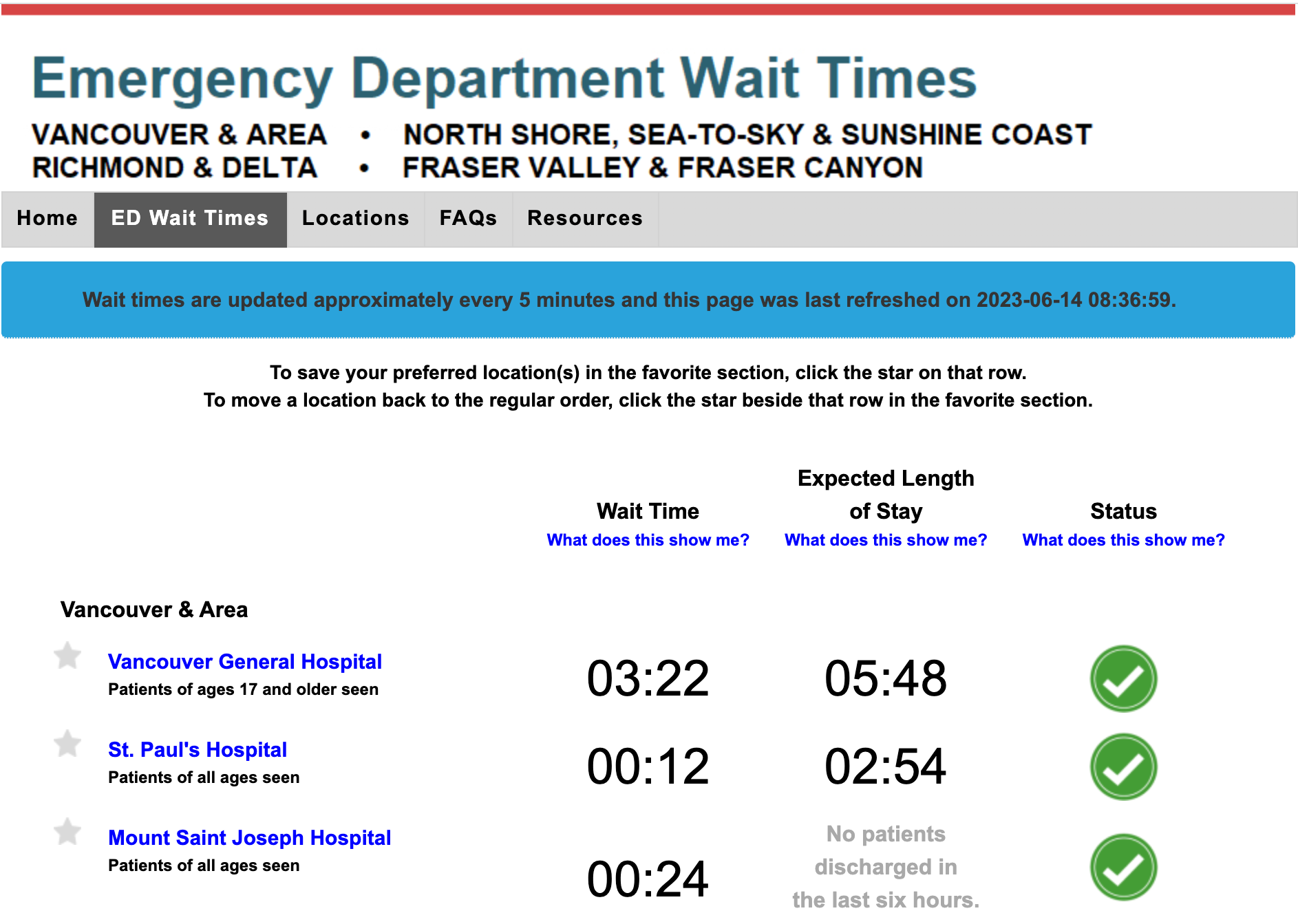
Emergency Department Wait Times is a website that helps patients find the right urgent care quickly. It was originally built in 2012 and was in need of an update for the modern web.
Discovery
During the initial discovery phase, we identified several issues with the existing site:
Content changes required manual edits to static HTML files, increasing turn-around time and the risk of errors during updates.
The site performed poorly on mobile devices, where most users were likely accessing it during emergencies.
Pages took almost 10 seconds to load, leading to high bounce rates.
Objectives
- Modernize the user experience, especially on mobile.
- Improve the performance of the website.
- Make content easier to maintain and update.
Process
To achieve these objectives, I selected a modern tech stack that balances performance, maintainability, and scalability.
Choosing Next.js
Next.js was chosen for its widespread adoption and server-side rendering (SSR) capabilities, which significantly improve performance and SEO.
Implementing Keystone CMS
Keystone CMS provided a flexible, headless content management system that empowered content administrators to update hospital details and other critical information without requiring developer intervention.
Optimizing with Turborepo
To streamline development, I used Turborepo to manage the monorepo efficiently. This allowed for faster builds and deployments, reducing friction in ongoing development and updates.
Improving UI/UX with Tailwind CSS
Tailwind CSS allowed for rapid UI development while maintaining a clean and consistent design. It enabled me to create a fully responsive interface that adapts seamlessly across all devices.
Hosting on Azure
The project was deployed on Azure to leverage its scalable infrastructure, ensuring the site remains performant even during traffic spikes.
Results
Patients can get information quickly, even during peak traffic.
Most visitors now reach the site through its mobile-friendly interface.
Content administrators can now update content in minutes using the CMS, rather than needing developer intervention.